Your Google Business Profile Is Doing More Work Than Your Homepage
For local and service businesses, the free profile in the map pack often gets more views and more action than the website it links to, and most owners barely touch it.
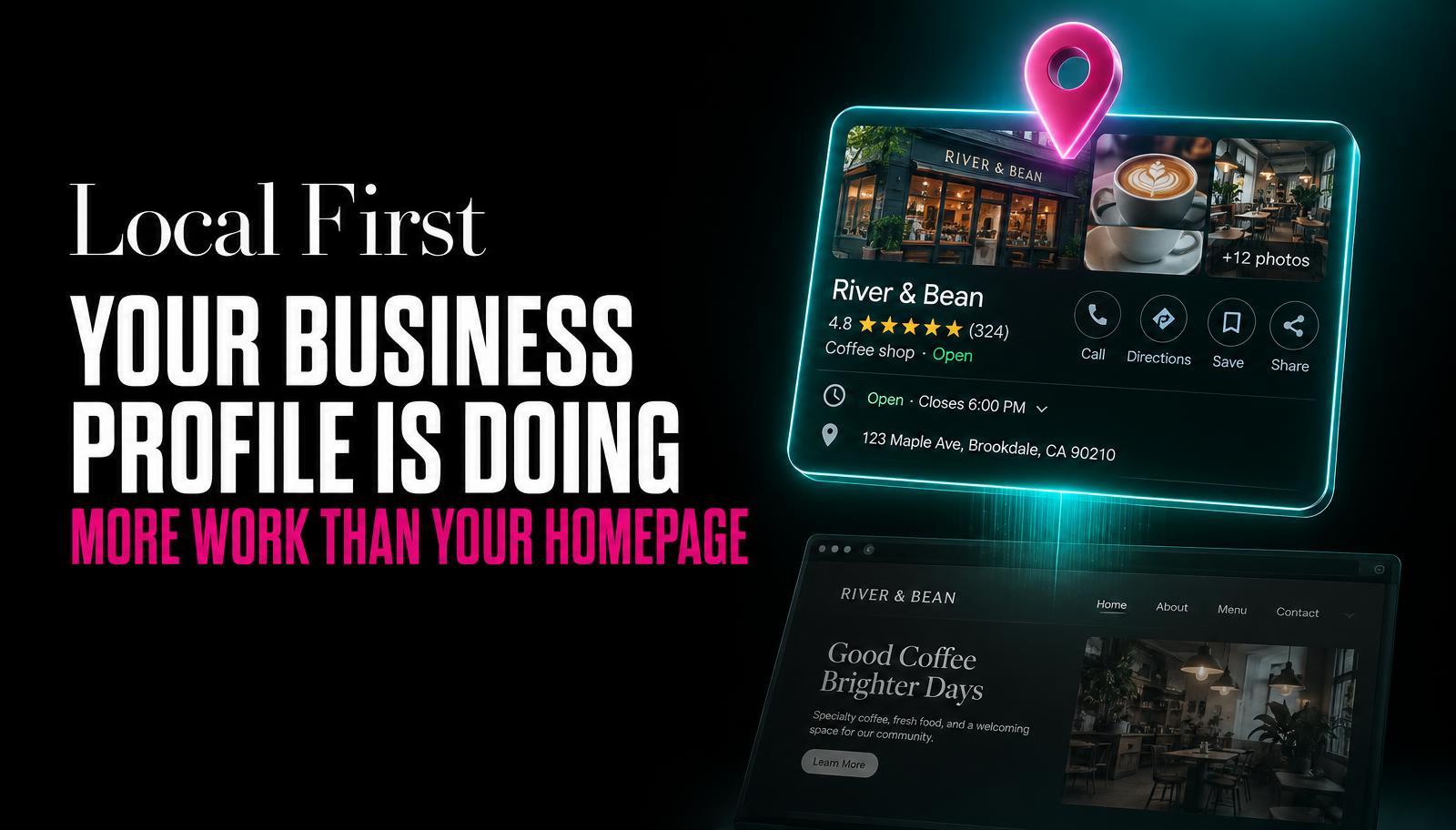
A customer searches "plumber near me" at 8pm on a Tuesday. They don't scroll to a list of websites. Three listings show up with a map, photos, star ratings, and a call button. They tap one. Done.
Your homepage was never in the running. It didn't get a chance to make the case for you. The decision happened one screen earlier, on a profile you probably set up once and haven't opened since.
This is true for almost every local and service business: plumbers, dentists, salons, mechanics, cleaners, tradespeople, clinics. The map pack listing, officially called the Google Business Profile, is doing the persuading. The website is just there to confirm the decision that's already been made.
And most owners treat it like a form they filled in once, not a living page that needs upkeep.
Why the profile outperforms the homepage
It shows up before the website in most local search results. It carries star ratings and review counts right where the customer is looking. It has a call button, a directions button, and a message button, all one tap away, no page load, no navigation menu to find. And increasingly, it's the data source that voice assistants and AI-driven search summaries pull from when someone asks "is this place open now" or "who does this near me."
Your homepage has to be found, loaded, and read before it can convince anyone of anything. Your profile is already sitting in front of the customer, at the exact moment they're deciding.
The homepage makes the case. The profile makes the decision.
The parts that actually matter
Categories
Your primary category is the single biggest lever for which searches you appear in. A general category like "Contractor" instead of "Kitchen Remodeler" can quietly cost you visibility for exactly the searches you want. Secondary categories widen your reach further, but only if they're accurate. Review these every few months, businesses change what they offer and the category list rarely gets updated to match.
Services list
This is a searchable list, not decoration. If "emergency drain unblocking" isn't listed as a service, you may not surface for that search even if it's exactly what you do. List services the way customers phrase problems, not the way you'd phrase them internally.
Photos
Listings with recent, real photos get chosen more often than ones with a logo and nothing else. Real job photos, real team photos, and real premises photos build more trust than anything written on the page. Stale photos from three years ago quietly signal a business that might not still be running.
Posts
The posts feature is underused and it's free reach. A short update about a seasonal offer, a new service, or a recent job keeps the profile looking active and gives you another surface for keywords customers are searching.
Review replies
Every review, good or bad, deserves a reply. It shows future customers someone is actually paying attention, and a calm, professional reply to a bad review often does more persuading than five glowing ones.
Q and A section
Anyone can post a question here, and anyone can answer it, including strangers with wrong information. Seed it yourself with the questions you get asked on the phone every week: do you offer free quotes, do you work weekends, what areas do you cover. Don't leave it empty for a stranger to fill in badly.
Hours, including holidays
Wrong hours are one of the most common reasons a customer arrives to a closed business, and Google will show a "permanently closed" or "hours may differ" flag that damages trust before anyone even reads the rest of the listing. Holiday hours need setting well in advance, not the morning of.
How search and assistants use this data
When someone asks a voice assistant or types a search like "is this shop open right now" or "what does this place charge for," the answer is very often pulled straight from your Google Business Profile data, not your website. If your hours, services, or address are wrong here, that wrong information gets served confidently, as fact, without anyone checking your site at all.
A maintenance routine that actually fits into a week
| Frequency | Task |
|---|---|
Weekly | Reply to any new reviews |
Weekly | Check for new questions in the Q and A section |
Weekly | Add one photo from a recent job, event, or the team |
Monthly | Post an update: offer, new service, seasonal note |
Monthly | Check hours are correct, including any upcoming holidays |
Monthly | Review the services list against what you actually offer now |
Quarterly | Re-check primary and secondary categories for accuracy |
Quarterly | Audit photos and remove anything outdated or low quality |
Getting started this week if the profile has been neglected
- Claim and verify it, if you haven't already
Search your business name on Google Maps and check whether you or a former employee still holds the login.
- Fix the basics first
Correct hours, correct address, correct phone number. These matter more than anything else on the page.
- Add ten real photos
Team, premises, completed work. Skip stock images entirely.
- Reply to every unanswered review
Even ones from a year ago. A late reply is still better than no reply.
- Set a recurring reminder
Weekly and monthly tasks from the table above, on a calendar, not a mental note.
Tap a number to check it off.
For local searches, customers usually see and act on the map pack listing, with its photos, reviews, and call button, before they ever click through to a website. The profile makes the first and often final impression, so the homepage only gets a chance to confirm a decision that's already been made.
Reply to reviews and questions weekly, post an update and check your hours monthly, and review your categories and services list every few months. Businesses that only touch their profile once, at setup, tend to fall behind competitors who keep theirs current.
Customers can arrive to a closed business, and Google may flag the listing with a warning that damages trust before anyone reads further. Holiday hours especially need updating in advance, not on the day they change.
Yes, a calm and professional reply to a negative review often reassures future customers more than a string of positive ones with no response at all. Leaving negative reviews unanswered signals that nobody is paying attention to the business's public reputation.