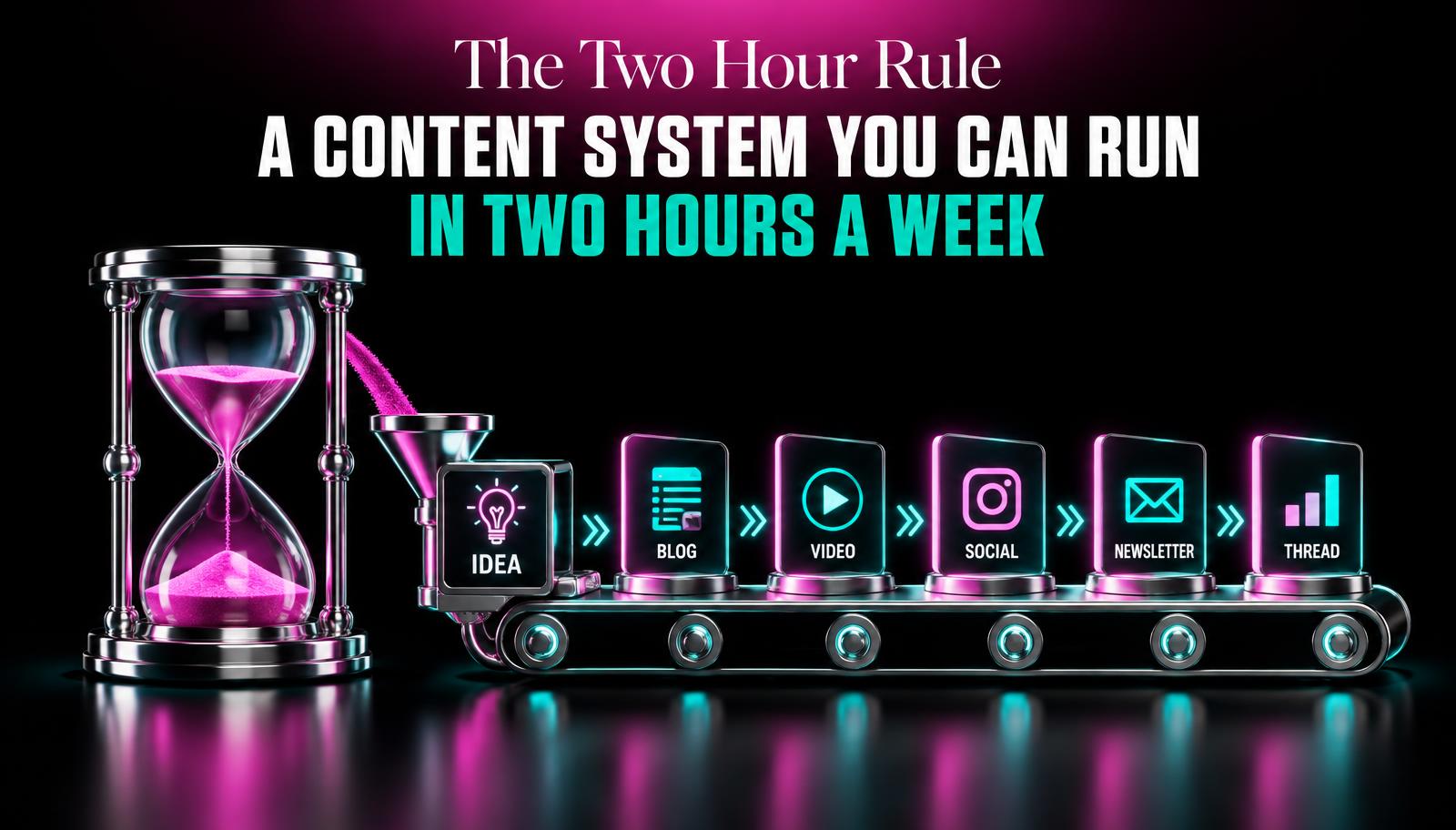
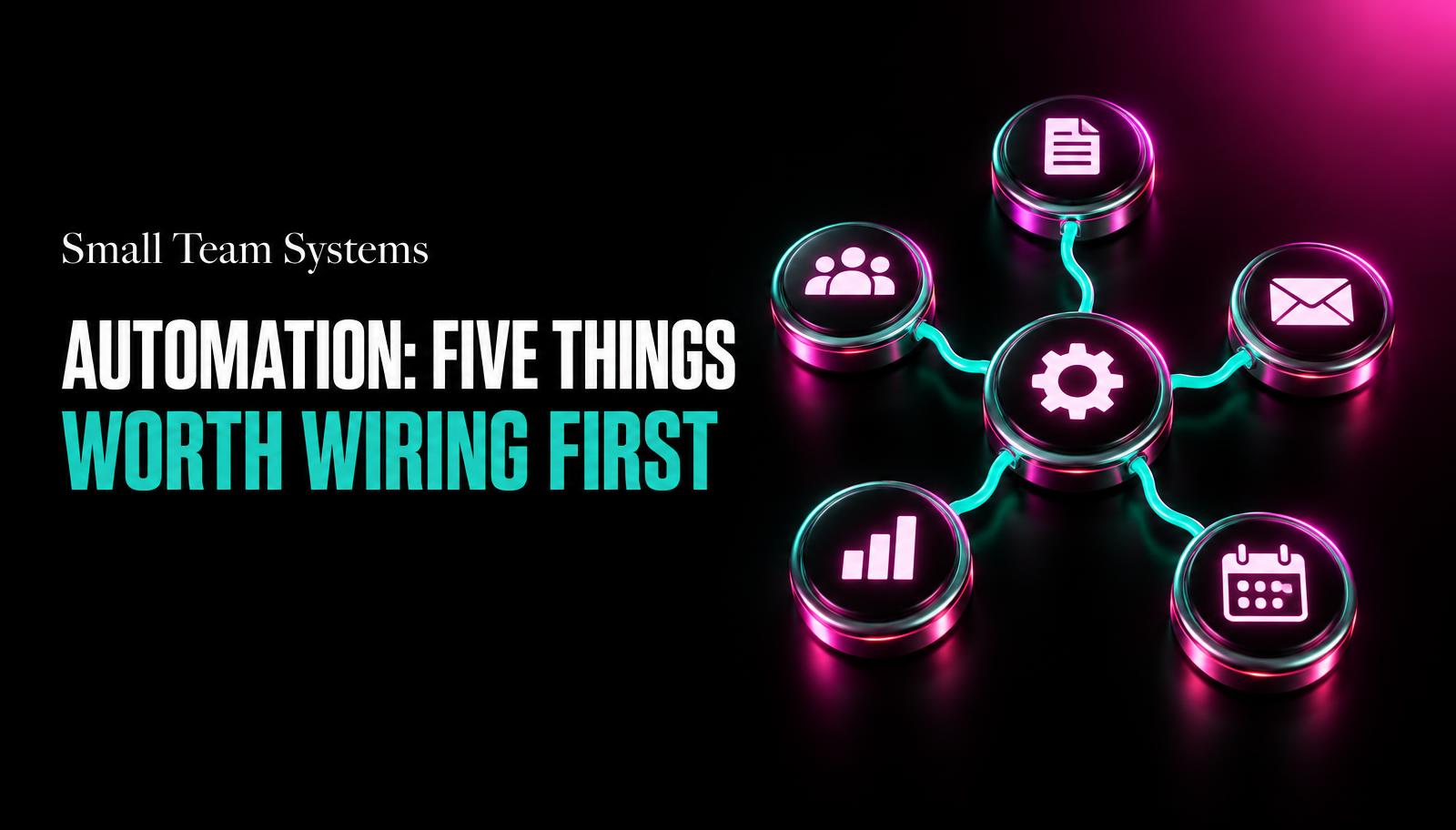
Automation for Small Teams: Five Things Worth Wiring First
Automation for a small team isn't robots, it's fixing the five repetitive tasks that keep falling through the cracks. Here's where to start.
"Automation" tends to conjure images of robot arms or a dashboard full of blinking lights. For a five-person business, it's usually much smaller and much less exciting: a form that emails the right person instead of getting missed, an invoice that sends itself the day a project closes, a follow-up text that goes out without anyone remembering to type it.
Start with what's actually being dropped
Before wiring anything, we ask clients one question: what falls through the cracks most often? Not what feels inefficient in theory, what actually goes wrong on a normal week. The answer is almost never something dramatic. It's a lead that sat in an inbox for four days because whoever usually checks it was on a call. It's an invoice that went out three weeks late because it depended on someone remembering.
That question matters because automation solves dropped tasks well and solves vague ambition poorly. "We should automate more" leads nowhere. "New leads sit unanswered for two days on average" leads directly to a fix, and a fix you can actually measure once it's live.
The five worth wiring first
We've built dozens of these setups for small teams now, and the same five keep paying off regardless of industry. None of them require custom software. Most run on tools a team already has.
Five automations that pay off fast for a small team
- Lead capture to instant notification
Any form submission, DM, or email inquiry should ping a specific person within seconds, not sit in a shared inbox someone checks eventually.
- Automatic follow-up after no response
If a quote or proposal gets no reply in three days, a scheduled nudge goes out automatically instead of depending on someone remembering.
- Invoice on project milestone, not on memory
Tie invoicing to a status change in your project tool rather than to a person's Friday afternoon to-do list.
- New customer onboarding sequence
A short automatic email or message series after signup so new customers get the same solid first week regardless of who was busy that day.
- Weekly digest of what actually happened
An automatic summary of sales, tasks completed, and open items sent every Monday, so decisions aren't based on a gut feeling about a busy-seeming week.
Tap a number to check it off.
Why these five and not others
Each one shares a trait: the task is repetitive, time-sensitive, and currently depends on a specific person remembering to do it at a specific moment. Those are the conditions where automation earns its keep. Tasks that require judgment, like deciding how to handle an unusual complaint, are usually poor candidates, at least at first. Wire the boring, repeatable stuff before touching anything that needs a human call.
We also prioritize these five because they touch revenue directly. A lead that gets a fast reply converts at a noticeably higher rate than one that sits for two days. An invoice that goes out the day work finishes gets paid faster than one that goes out three weeks later because someone forgot. These aren't efficiency wins for their own sake, they show up in the bank account.
The best automation is invisible. Nobody thinks about it, they just notice things stopped falling through the cracks.
What this costs to set up
For most small teams, these five run comfortably inside tools already in use, connected with something like Zapier, Make, or native integrations in a CRM or project tool. Setup for all five typically takes a few focused days, not weeks, and costs closer to a modest monthly subscription than a custom development project. The bigger cost is usually the mapping work: sitting down and writing out exactly what should trigger what, in plain language, before touching any settings.
That mapping step is where most DIY attempts stall. People open an automation tool, get excited, and start building before they've written down the actual sequence of events. Fifteen minutes with a pen and paper, sketching "when X happens, Y should happen, sent by Z," saves hours of rebuilding later.
A word on what not to automate yet
Skip customer-facing chat that pretends to be a person, complex pricing logic, and anything involving a judgment call about an individual customer's situation. These require either much more sophisticated setup or a human, and doing them badly costs more in trust than the time saved is worth. Get the boring five running well first. They'll teach your team how automation actually behaves in practice before you take on anything trickier.
It helps to think about automation the way you'd think about hiring a very literal, very reliable junior employee. This employee never forgets, never gets tired on a Friday afternoon, and never decides a task can wait until tomorrow. But they also can't use judgment, they can't tell when a rule doesn't apply, and they'll follow bad instructions exactly as faithfully as good ones. Every automation decision is really a decision about what you'd trust that employee to handle alone.
We worked with a five-person consultancy that was losing roughly one lead a week simply because inquiries came in through three different channels, a contact form, a shared inbox, and Instagram DMs, and nobody had clear ownership of checking all three. Wiring a single notification system that funneled all three into one alert, sent to one specific person, fixed the problem in an afternoon. No new hire, no new software budget line, just a rule that said where every inquiry goes and who owns responding.
A detail people miss: automations need an owner even after they're built, someone who checks periodically that the trigger still fires correctly and the message still sounds right. Tools change, integrations break quietly, and a business that grows adds new channels an old automation doesn't know about. Treat automation as something you maintain lightly, not something you set up once and never look at again.
The teams that get the most value from these five aren't necessarily the most technical ones. They're the ones willing to spend a slow afternoon writing down, in plain sentences, exactly what happens today when a lead comes in or a project finishes. That plain description is nine-tenths of the actual work. The tool that executes it is almost an afterthought by comparison.
Usually not. Tools like Zapier or Make, or native features in whatever CRM you already use, can handle all five without custom code.
Track one number before and after, like average lead response time or days to invoice. If that number improves, it's working.
Automating a process that was already broken, which just makes mistakes happen faster and with nobody watching.