What Happens to Your Traffic When the Answer Sits Above the Links
AI-generated summaries now answer questions before anyone reaches your website. Here's which pages lose clicks, which keep them, and how to rebuild yours to still earn the enquiry.
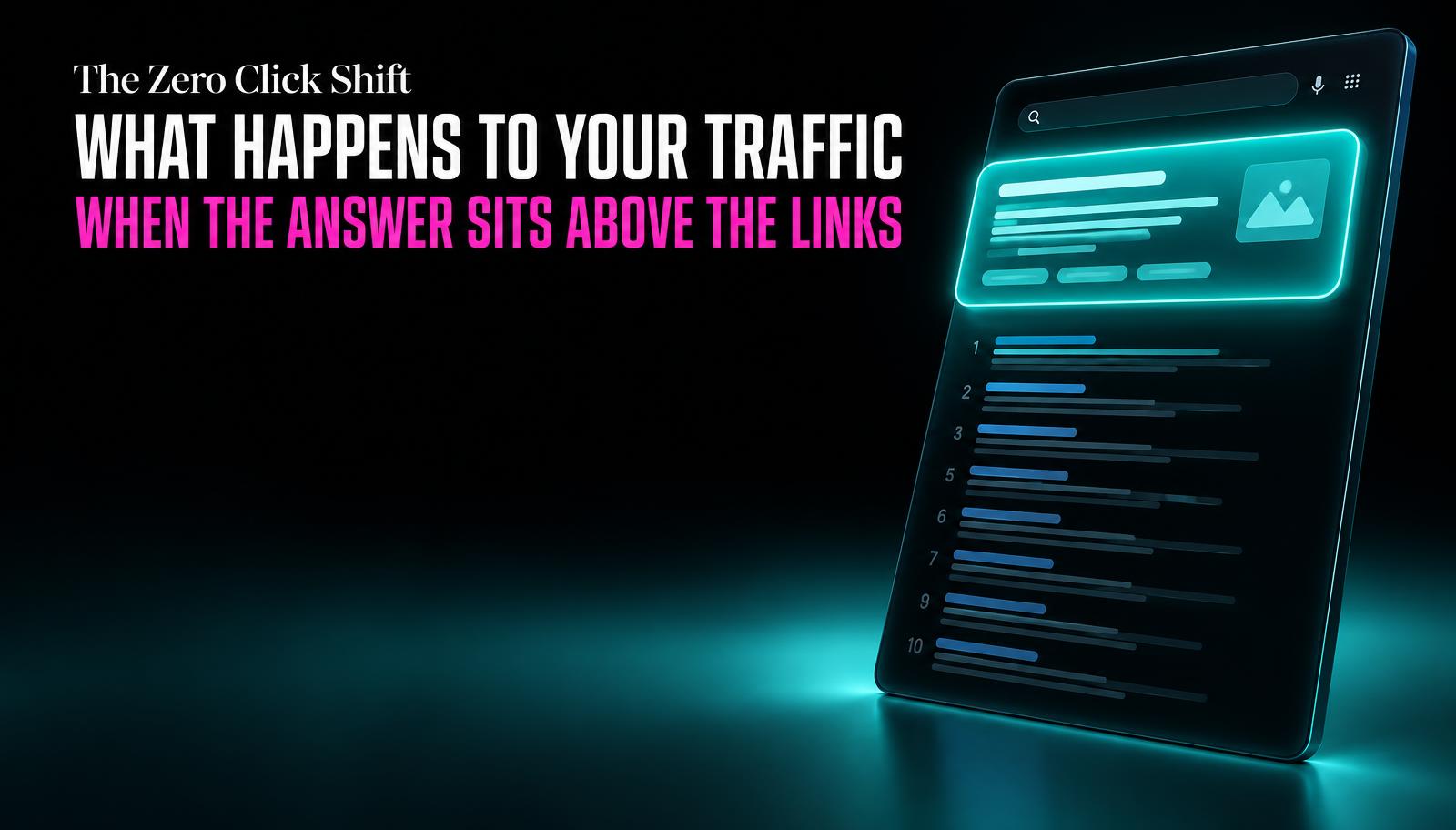
You search "what is a sourdough starter" and never touch a website. The answer's already there, three sentences, above the blue links, and it's correct enough that clicking through feels unnecessary.
You search "sourdough starter delivery Melbourne" and you click three links in a row, because no summary can tell you which bakery is closest, what it costs, or whether they deliver on Sundays.
Same topic, wildly different outcome. That gap is the thing to understand if you run a small business website, because it decides whether the growing habit of putting an AI-written answer above the search results costs you traffic or barely touches you.
Some pages were always going to lose their clicks to a good summary. Others were never at risk. The trick is knowing which kind of page you have, and rebuilding the vulnerable ones so they still earn a visit.
What gets answered without a click
Anything that's a pure definition, a generic explanation, or a common how-to is easy for a search engine to summarise fully and accurately. "What is SEO," "how to remove a red wine stain," "what does a bereavement fare mean" - these have one correct answer that doesn't depend on your business, your location, or your prices. There's nothing left for a click to add.
If a page on your site exists purely to explain a general concept, expect its search traffic to shrink over time, not because the page got worse, but because the question it answers no longer needs a visit.
What still needs the click
A summary can tell someone what a thing is. It generally can't tell them what to do, what it costs from a specific provider, or which option suits their exact situation. Anything that requires a decision, a comparison, or local specifics still sends people onward.
| Page type | Click-through impact |
|---|---|
Generic definition or explainer | High risk: often fully answered above the results |
Simple, common how-to | High risk: standard steps get summarised directly |
Pricing pages | Low risk: figures vary by provider, people verify directly |
Comparisons (X vs Y) | Low risk: nuance and trade-offs resist full summarising |
Local service pages | Low risk: location and availability need confirming on-site |
Anything needing a decision or booking | Low risk: summary can inform, but can't complete the action |
A summary can explain what a thing is. It can't tell someone what to book, what it costs from you specifically, or whether you can do it on a Tuesday.
The two jobs your page now has
This changes what a page needs to do. It used to have one job: earn the click. Now it has two, often in this order: get summarised accurately (so you're named as the source, even if someone doesn't click yet), and give a specific enough reason that people who do care click through anyway.
How to restructure a page for this
None of this requires rebuilding your website from scratch. It's mostly about how clearly you write and structure the page that's already there.
Rebuilding a page to survive the summary
- Open each section with a direct answer
Put the actual answer in the first sentence under each heading, not three sentences of throat-clearing first. Summarising tools tend to lift whatever sentence answers the heading most directly.
- Use clear, specific headings
"How much does a logo redesign cost" pulls better than "Our Pricing Philosophy." Write headings the way people actually phrase the question.
- Put real prices on the page
A starting price or a clear range gives you something a generic summary can't fully replace, and it filters in the enquiries who were always going to ask about price first.
- Name your actual locations and service areas
"Serving Brisbane, Logan and the Gold Coast" beats "we serve South East Queensland" for both search matching and for someone deciding whether to bother clicking.
- Add structured data and an FAQ section
Structured data (schema markup) makes it easier for search tools to lift accurate specifics like price, hours, and location straight from your page instead of guessing.
- End with one clear next step
A single obvious action (book a call, get a quote, check availability) rather than three competing calls to action, so the click that does happen goes somewhere useful.
Tap a number to check it off.
Don't fight the definitions, win the decisions
It's tempting to try to reclaim every lost click, including the purely definitional ones. That's usually wasted effort. If your page exists to explain "what is a CRM," you're competing with an answer that a search engine can already generate fully and for free. Chasing that click back is harder than redirecting the same effort toward the pages that were always going to keep their traffic.
The businesses that will do fine here are the ones whose website already leans toward specifics: real prices, named service areas, actual comparisons, clear next steps. If yours currently reads more like a general explanation of your industry than a specific offer from your business, that's the gap to close first.
If your page's content is a general explanation or a common how-to, an AI-generated summary above the search results may already be answering the question fully, so people never need to click through. Your ranking position can stay the same while the click-through rate drops, because the traffic loss is happening above your listing, not within it.
Pages that involve a decision still get clicked: pricing pages, comparisons between options, local service pages, and anything requiring booking or availability. A summary can describe a general concept fully, but it generally can't provide your specific price, your location's availability, or complete an action for the user.
Yes, structured data (schema markup) makes it easier for search tools to accurately extract specific details from your page, such as prices, hours, or location, rather than approximating them. It doesn't guarantee a click, but it improves the odds that any summary generated about your business is accurate and correctly credited to you.
No, keep them, but don't expect them to drive much traffic on their own anymore. They still help establish that your business understands the topic and can still get you named as a source in an AI-generated answer, which has some value even without a click.